ã€Opertae Method】- Upload Smart Life from your smartphone APP Store, and then registered a user, if you are already a user of Smart Life, log in it.
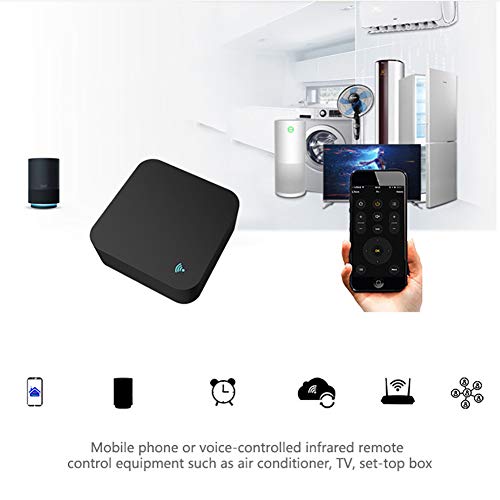
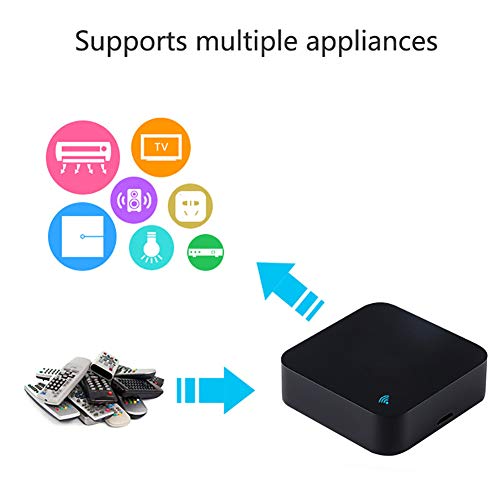
ã€Wide Application】- Open the Smart Life app and add devices, you must choose Smart Remote until YFT successfully connect to your smartphone. Then you can choose which devices to control, including TV, AC, FAN, etc.
ã€Notice】- Ensure the smartphone connect with 2.4 GHz Wi-Fi. Keep the YTF close enough to the devices.
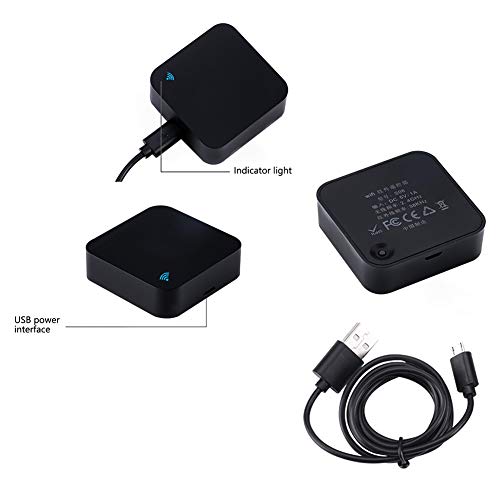
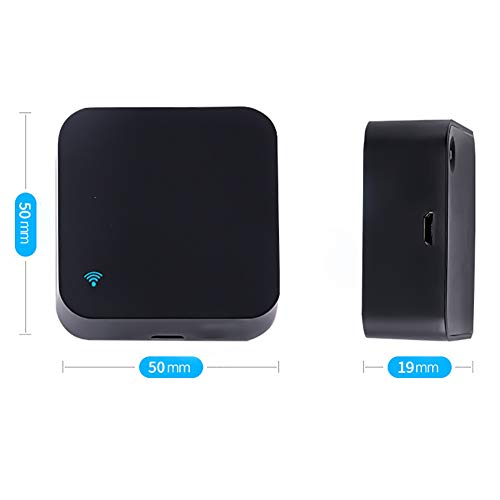
ã€Easy To Use】- Plug YTF into the power supply, press the reset button for more than 5 seconds, until the blue indicator flashes.